
Tips for Toddlers and kids
Technology for Toddlers: A Parent’s Guide to Educational Apps and Games
Aug
As a mom who’s navigated the tricky waters of introducing technology to my little ones, I know how overwhelming it can feel to choose the right digital tools for toddlers. When my oldest was around two, I remember standing in the toy store, smartphone in hand, wondering if I should download that colorful app everyone was talking about or stick to traditional wooden blocks. The truth is, we live in a digital world, and our toddlers are growing up as digital natives. The question isn’t whether to introduce technology, but how to do it thoughtfully and beneficially.
The key is finding that sweet spot where screen time becomes a tool for learning rather than just entertainment. After years of trial and error with my own children, extensive research, and countless conversations with other parents, I’ve discovered that the right educational apps and games can actually support crucial developmental milestones while keeping our little ones engaged and happy.
Understanding Your Toddler’s Developmental Needs
Before diving into specific apps and games, it’s important to understand what toddlers are actually learning and developing during these crucial early years. Between ages one and three, children are rapidly developing language skills, fine and gross motor control, cognitive abilities, and social-emotional understanding. Their brains are like little sponges, absorbing everything around them.
Research from child development experts consistently shows that toddlers learn best through interactive, hands-on experiences. They need immediate feedback, repetition, and engaging visuals to help cement new concepts. This is where well-designed educational technology can actually complement traditional learning methods beautifully.
When I first started exploring educational apps with my daughter, I noticed she was drawn to activities that let her touch, drag, and manipulate objects on the screen. This isn’t surprising – toddlers are naturally tactile learners. The best educational apps capitalize on this by creating virtual environments where little fingers can explore and discover.
Essential Features to Look for in Educational Apps
Not all apps are created equal, and I’ve learned to look for specific features that make technology truly educational rather than just entertaining. First and foremost, look for apps that encourage active participation rather than passive consumption. Your toddler should be tapping, dragging, creating, and problem-solving, not just watching animations play out.
Interactive feedback is crucial. The best apps respond immediately to your child’s actions with sounds, animations, or verbal encouragement. I’ve noticed my children stay engaged much longer with apps that celebrate their successes and gently guide them when they make mistakes.
Age-appropriate content is non-negotiable. Apps designed for toddlers should have simple, clear instructions that can be understood without reading. The interface should be intuitive enough that little ones can navigate independently after minimal guidance. Cluttered screens with too many buttons or options tend to overwhelm rather than educate.
Safety features are equally important. Look for apps with no external links, no social media integration, and no advertising targeted at children. Many quality educational apps offer parent sections where you can track progress and adjust settings without your toddler accidentally clicking away from their activity.
Language and Literacy Development
Some of the most valuable educational apps focus on building early language and literacy skills. These apps often feature interactive stories, vocabulary building games, and phonics activities that make learning letters and sounds feel like play.
Story-based apps that let children interact with characters and plot elements can be particularly engaging. I remember downloading an interactive story app where my son could help characters solve problems by tapping on different objects. He didn’t realize he was practicing problem-solving skills and building vocabulary – he just thought he was playing with his favorite characters.
Phonics games that associate sounds with letters through songs, animations, and interactive activities help build the foundation for reading. Many apps use repetition and rhythm to help toddlers remember letter sounds, which aligns perfectly with how young children naturally learn through repetition and music.
Word association activities where toddlers match pictures to words or sounds help build vocabulary in a visual way. These apps often include everyday objects that toddlers encounter in their real lives, making the learning more relevant and memorable.
Mathematical Thinking and Problem-Solving
Math concepts for toddlers aren’t about complex equations – they’re about understanding patterns, shapes, sizes, and basic counting. The best math apps for this age group make these abstract concepts concrete through visual and interactive elements.
Counting apps that let toddlers move objects while counting them help bridge the gap between numbers and quantity. I’ve found that apps where children can drag apples into a basket while hearing the numbers spoken aloud work particularly well. The combination of visual, auditory, and tactile feedback reinforces the learning.
Shape recognition games help develop spatial awareness and cognitive skills. Apps that let toddlers fit shapes into corresponding holes or identify shapes in everyday objects help them understand geometry basics while building problem-solving abilities.
Pattern recognition activities support logical thinking development. Simple apps where toddlers continue color or shape sequences help develop the foundational skills they’ll need for more complex mathematical thinking later on.
Motor Skills and Coordination
Fine motor development is crucial during the toddler years, and touchscreen devices can actually provide excellent opportunities for practicing these skills. The best apps in this category require precise finger movements and hand-eye coordination.
Drawing and coloring apps designed for toddlers often feature large, simple areas to color and drawing tools that respond well to small fingers. I’ve watched my children’s finger control improve dramatically through regular use of these apps. Look for ones that don’t penalize going outside the lines but still encourage careful movements.
Puzzle apps with large, easy-to-manipulate pieces help develop spatial reasoning while practicing fine motor control. The immediate feedback when pieces fit correctly provides positive reinforcement that encourages continued effort.
Tracing activities where toddlers follow dotted lines to create letters, numbers, or shapes help develop the hand movements they’ll need for writing. Many apps provide visual and auditory cues to guide little fingers along the correct path.
Creative Expression and Imagination
Creativity apps give toddlers safe spaces to experiment and express themselves digitally. These apps should offer open-ended activities where there’s no right or wrong way to play.
Music creation apps that let toddlers experiment with different sounds, instruments, and rhythms can be incredibly engaging. I love watching my children discover cause and effect through these apps – when they tap here, this sound happens; when they slide there, the music changes.
Art creation tools designed for young children often feature simplified interfaces with large brushes and bright colors. The best ones save creations automatically and let children return to their masterpieces later, building a sense of accomplishment and ownership.
Storytelling apps where toddlers can create simple narratives or interact with story elements encourage language development and imagination. Some apps let children record their own voices as they tell stories, which can be particularly engaging for little ones who love hearing themselves.
Social-Emotional Learning
Apps that focus on emotions, relationships, and social skills help toddlers understand themselves and others. These might include games about identifying feelings, practicing empathy, or understanding social situations.
Emotion recognition activities help toddlers build emotional vocabulary and awareness. Apps that show different facial expressions and ask children to identify the corresponding emotions can be valuable tools for developing emotional intelligence.
Social scenario games where toddlers practice sharing, taking turns, or helping others can reinforce positive behaviors learned in real-world interactions. These apps work best when they mirror situations children encounter in their daily lives.
Setting Healthy Boundaries and Screen Time
While educational apps can be valuable tools, how we use them matters as much as which ones we choose. I’ve learned that quality trumps quantity every time when it comes to screen time for toddlers.
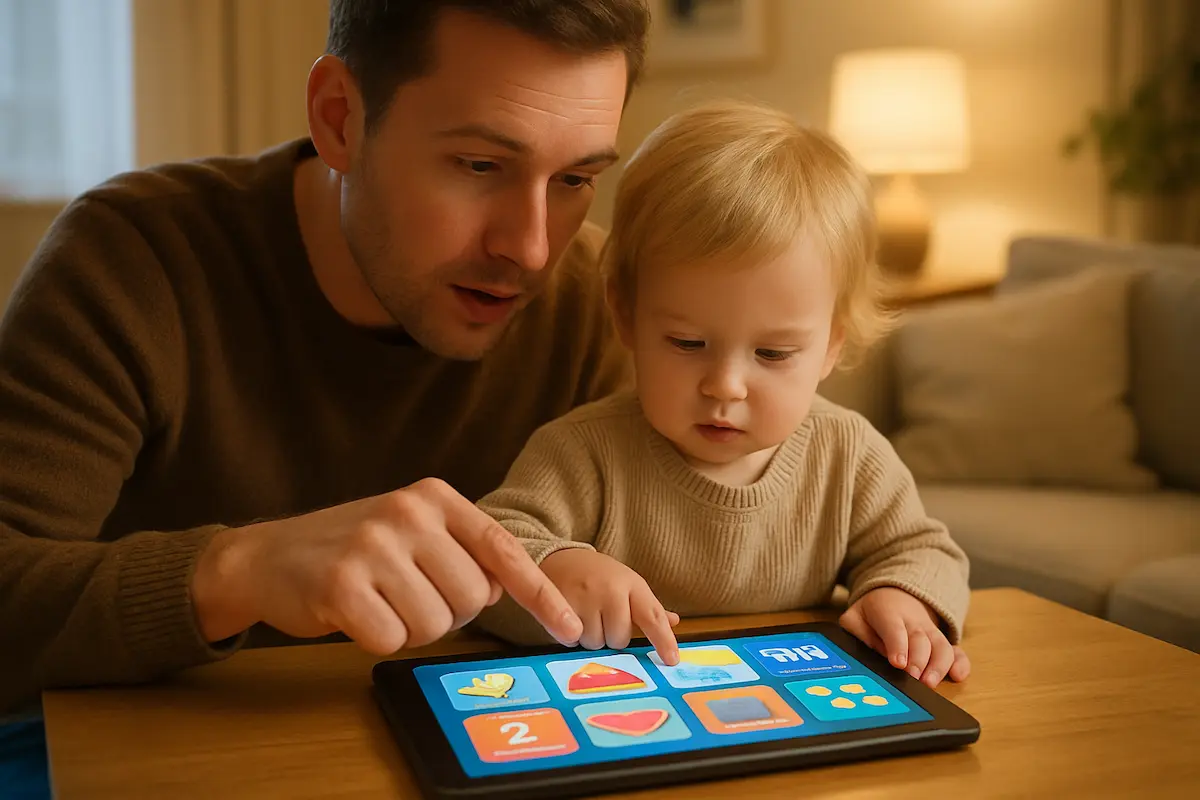
Co-viewing and co-playing with your toddler transforms passive screen time into interactive learning time. When I sit with my children while they use educational apps, I can ask questions, extend the learning, and help them make connections to real-world experiences. This interaction makes the digital experience much more valuable.
Creating a routine around app use helps toddlers understand boundaries. I find it helpful to use educational apps as part of structured activities rather than as default entertainment. For instance, we might use a counting app right before snack time to practice numbers, or try a shape game after we’ve been playing with physical building blocks.
Remember that apps should supplement, not replace, real-world learning experiences. The most effective approach combines digital and physical activities. After using a color-learning app, we might go on a color hunt around the house. Following a shape game with physical shape sorters reinforces the concepts through multiple modalities.
Making the Most of Educational Technology
To maximize the benefits of educational apps, think about them as tools in your parenting toolkit rather than standalone solutions. The most effective educational apps are those that connect to what your child is already learning and experiencing in their physical world.
Pay attention to your child’s interests and choose apps that align with what naturally captivates them. If your toddler is fascinated by animals, animal-focused educational apps will likely hold their attention longer and create more meaningful learning experiences.
Regular evaluation of the apps you’ve downloaded ensures they’re still meeting your child’s developmental needs. As toddlers grow and change rapidly, an app that was perfect at eighteen months might be too simple or too advanced just a few months later.
Consider your child’s individual learning style when selecting apps. Some toddlers respond better to apps with lots of music and sound effects, while others prefer quieter, more visual experiences. Some learn best through repetition, while others need variety to stay engaged.
Red Flags to Avoid
Not every app labeled as “educational” actually supports learning and development. I’ve encountered plenty of apps that claim to be educational but are really just entertainment disguised with an educational veneer.
Avoid apps that are essentially glorified videos with minimal interactivity. If your toddler is just watching content play out without meaningful opportunities to participate, the app probably isn’t providing much educational value.
Be wary of apps with excessive advertising or constant prompts to purchase additional content. These interruptions can be frustrating for toddlers and disrupt the learning flow. Quality educational apps typically have clear, upfront pricing rather than sneaky in-app purchases.
Apps that move too quickly or provide too much stimulation can be overwhelming for young children. Look for apps with calm pacing that give toddlers time to process and respond to activities.
The Role of Parent Involvement
Your involvement and guidance transform good educational apps into great learning experiences. I’ve found that the apps my children remember most and learned most from are the ones we explored together.
Ask questions while your toddler uses apps. “What color is that?” “How many do you see?” “What do you think will happen next?” These simple questions help extend the learning beyond the screen and encourage critical thinking.
Connect app activities to real-world experiences whenever possible. If your child enjoys a cooking game app, involve them in simple real cooking activities. If they love a music app, sing songs together or play with real instruments.
Finding Quality Apps in a Crowded Market
The app stores are filled with options, making it challenging to identify truly educational content. Reading reviews from other parents can provide valuable insights, but remember that what works for one family might not work for another.
Many educational organizations and child development experts publish recommendations for quality apps. These curated lists can be excellent starting points for finding age-appropriate, developmentally sound options.
Free trials or lite versions can help you evaluate whether an app is right for your child before making a purchase. Take advantage of these opportunities to test how your toddler responds to the app’s style and content.
Consider apps developed by educational companies or organizations with expertise in child development. These tend to be more thoughtfully designed with learning objectives in mind rather than just entertainment value.
Technology isn’t going anywhere, and our toddlers will grow up in an increasingly digital world. By thoughtfully introducing educational apps and games during these early years, we can help them develop a healthy relationship with technology while supporting their natural learning and development. The goal isn’t to create screen time that replaces human interaction and hands-on exploration, but rather to add meaningful digital experiences that complement and enhance traditional learning methods.
Remember that you know your child best. Trust your instincts about what feels appropriate and beneficial for your individual toddler. With the right approach, educational technology can become a valuable tool in supporting your child’s growth and development during these foundational years.
